

Manage API keys
API keys let the SDK, CLI, and your own scripts talk to the EvalGate platform. They are separate from model provider keys.Step 1 — Open API keys
In the sidebar, click Settings, then API keys (under History and developer).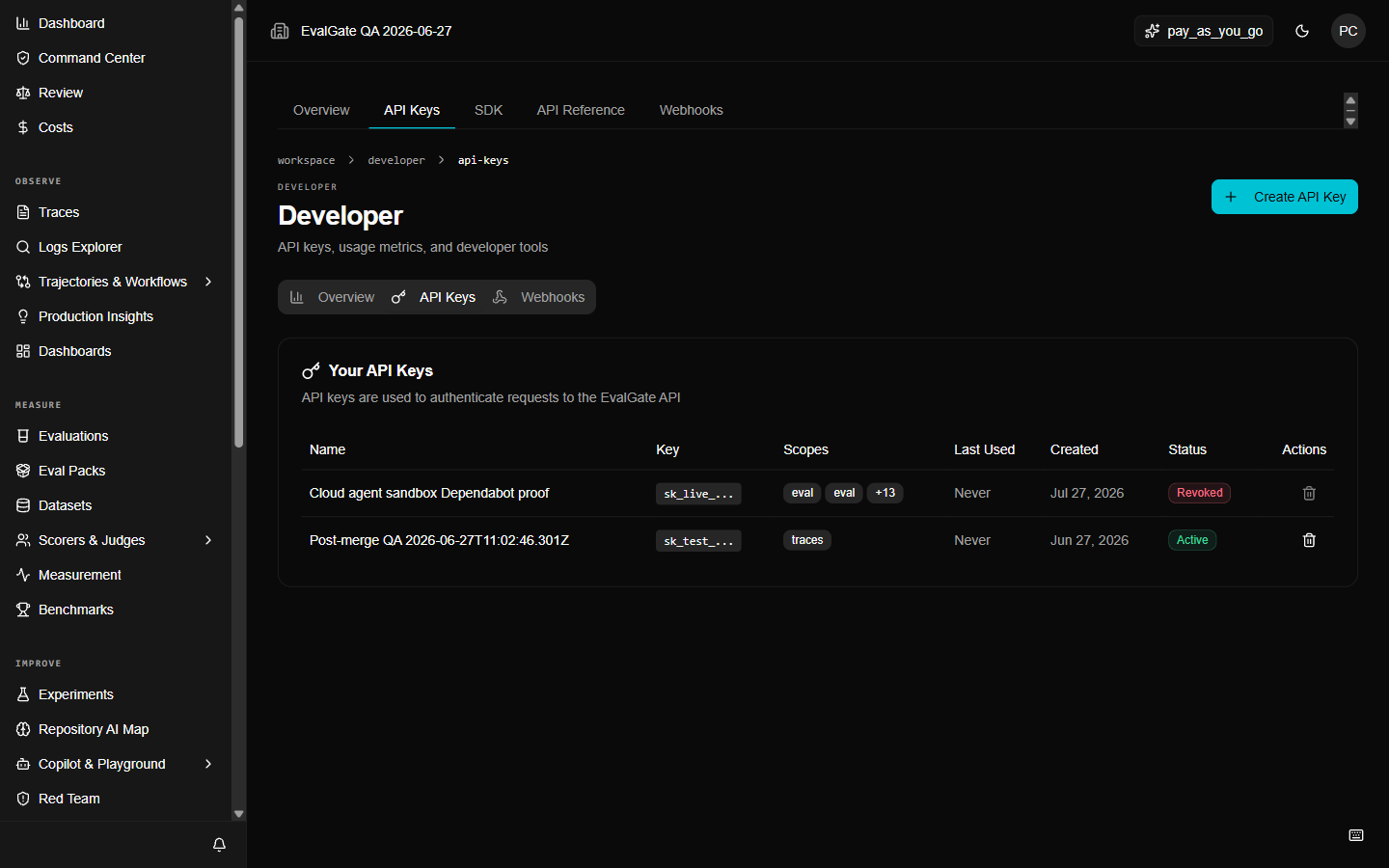
Step 2 — Create a key
- Click Create Key.
- Enter a Key Name for where it is used, for example
ci-evalgate-prod. - Pick the scopes it needs. Give the fewest scopes that work.
- Click Create Key, then copy the key now — you will not see it again.